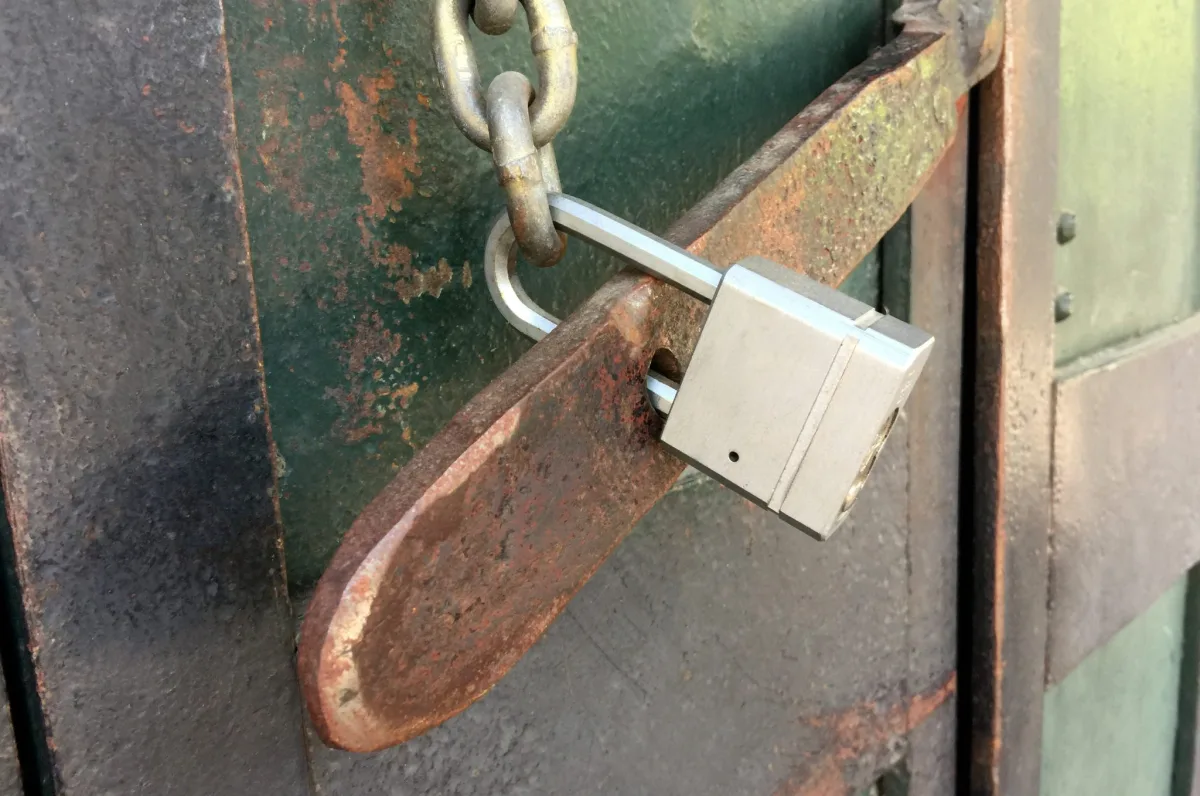
What local-first means
The term comes from a 2019 essay by the research lab Ink & Switch, which set out seven ideals: fast, multi-device, offline, collaborative, long-lived, private and user-controlled. The unifying idea is ownership. Data is stored on the device you hold, in a format you can take elsewhere, and it keeps working when the company behind it changes its pricing, gets acquired or shuts down.
The essay expects most local-first software to sync between devices through a server or peer-to-peer. VaultMemo deliberately stops short of that. A synchronising server would need accounts, would hold ciphertext for every user, and would become a target. A notebook can afford to be a single-device tool with a portable, encrypted backup.
No account is a feature
An account is an identity record on someone else's machine: an email address, a password hash, session tokens, a log of when you signed in and from where. Every one of those is something to breach, subpoena or sell. It is also a dependency: an account can be locked, suspended or lost with the phone number attached to it.
Without an account there is nothing to log in to, nothing to reset, no email to verify and no provider that can see how often you open your notes. The flip side is symmetrical. There is nobody to appeal to. A support address can explain how the tool works; it cannot recover a vault whose password is gone, because it has never seen the vault.
Where the data actually lives: IndexedDB
Browsers give web pages a small transactional database called IndexedDB. Each origin (scheme plus host plus port) gets its own, invisible to other sites. On disk it ends up inside the browser profile: a LevelDB directory in Chrome and Edge, a SQLite file in Firefox, a similar store in Safari. It survives page reloads and browser restarts, and it is available offline.
Because the files sit in a normal folder, anyone with access to the disk can copy them. Full-disk encryption on the operating system is the first defence. VaultMemo adds a second: only ciphertext, IVs, a salt and a wrapped key are ever written, so a copied profile is as useful as a copied backup, which is to say useless without the password.
The same storage rules apply to the web's other sandboxes. Private windows keep their own IndexedDB and discard it on close; a browser profile has its own; a different browser on the same machine cannot see another's data. A vault created in Firefox does not appear in Chrome.
Eviction, and the persistence API
Browser storage is best-effort by default. When disk space runs low, a browser may delete a site's data, usually starting with origins you have not visited for a long time, and Safari's tracking prevention can remove script-written storage for sites you have not interacted with in seven days. Clearing site data, cookies or history for a site removes IndexedDB along with everything else.
The Storage API offers a way out: navigator.storage.persist() asks the browser to mark the origin's storage as persistent, exempt from automatic eviction. Chrome grants it silently based on signals such as a bookmark, high engagement or an installed PWA; Firefox asks you with a prompt; Safari has no equivalent. VaultMemo makes the request when a vault is created and shows the answer in the vault settings.
Persistence protects against automatic cleanup, not against you. A deliberate clear, a fresh profile or a reinstalled browser still removes the vault. Storage on your device is durable in proportion to how much you look after it.
Backups are your job now
In a cloud app, backups happen somewhere behind the scenes. In a local-first app they happen when you make them. The encrypted .vaultmemo export is designed to be that backup: one file that holds the salt, the wrapped key, the verifier and every note as ciphertext. It opens only with the master password, so it can sit in a normal cloud folder, on a USB stick or in an email to yourself.
A backup you have not tested is a hope. Restore it once in a private window, check that a note opens, and close the window. Make a new export after any session in which you added something you would mind losing; the date is in the file name. The plain Markdown export is for migration, not for backup: it is readable by anyone who finds it.
The sync trade-off
Two devices mean two copies, and without a server nothing reconciles them for you. VaultMemo's answer is import with merge: notes are matched by id, the version with the later timestamp wins, and nothing is deleted. It is a manual step, but it works over any channel you already trust, and the channel never needs to be trusted with plaintext.
End-to-end encrypted sync is possible in principle, and some tools do it well. It is also where most of the complexity and cost of a notes service lives: accounts, conflict resolution, key distribution, a service to keep running. For a notebook of things you would rather not share, the simplest design that keeps the data on your device is the one with the fewest ways to fail.